
Database setup
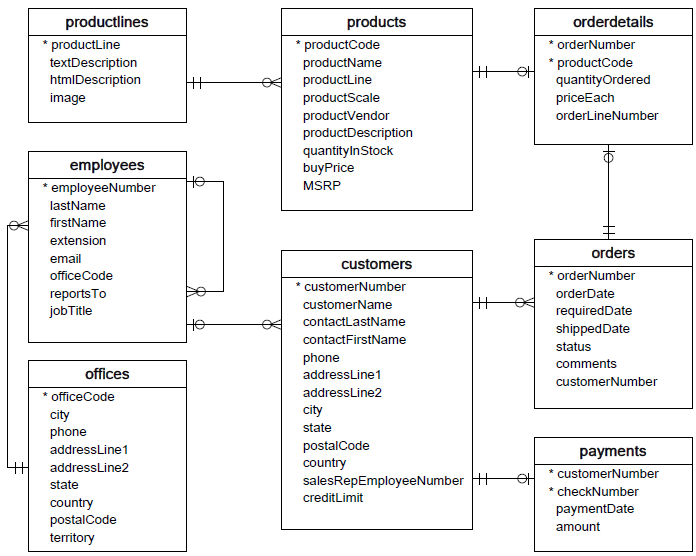
Install the classic sample database.
Install free MariaDB or MySQL, then download the Sample Database SQL file. Open the database client and import it:
c:\Program Files\MariaDB 10.5\bin> mysql -u root -p
MariaDB [(none)]> source /mysql/mysqlsampledatabase.sql
MariaDB [classicmodels]> show databases;
MariaDB> create user 'sample'@'localhost' identified by 'sample';
MariaDB> grant all privileges on classicmodels.* to 'sample'@'localhost';
Run the database
Start MariaDB before executing a sample.
- In the Windows Start menu, type services in the search box.
- Find MariaDB, right-click it, and choose Start the service.