
Serverless Deployment
AWS Lambda Function
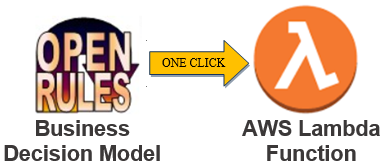
OpenRules generates the required AWS components and turns a tested decision model into a serverless function from the supplied deployment script.
One-click deployment
Move from a tested model to Lambda without coding.
The sample project VacationDaysLambda reuses the tested Vacation Days rule repository and adds project.properties, deployLambda.bat, and undeployLambda.bat. On macOS or Linux, use the corresponding scripts without the .bat suffix.
Before deploying, use an active AWS account and configure the AWS access key ID and secret access key in ~/.aws/credentials.
Configuration
Control the Lambda from project properties.
Define the AWS deployment properties in project.properties. The required settings and their purposes are shown below.
deployment=aws-lambdaSelects AWS Lambda as the deployment option.aws.lambda.bucket=openrules-demo-lambda-bucketDefines a new or existing S3 bucket, such as your-company-lambda-bucket.aws.lambda.region=us-east-1Defines the selected AWS region.aws.lambda.runtime=java17Defines the Java runtime. Supported values are java17 (default) and java21.aws.lambda.memorySize=512Defines the memory available to the Lambda function in MB. The default is 512.aws.lambda.timeout=30Defines the maximum execution time in seconds. The default is 30 seconds.Deploy and test
Use the generated endpoint immediately.
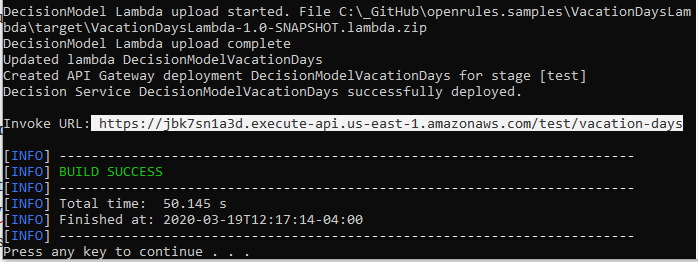
Run deployLambda.bat. The deployment log provides an invoke URL whose endpoint is derived from the model name and can be overridden with model.endpoint. OpenRules also generates testLambda.bat with the URL already included.
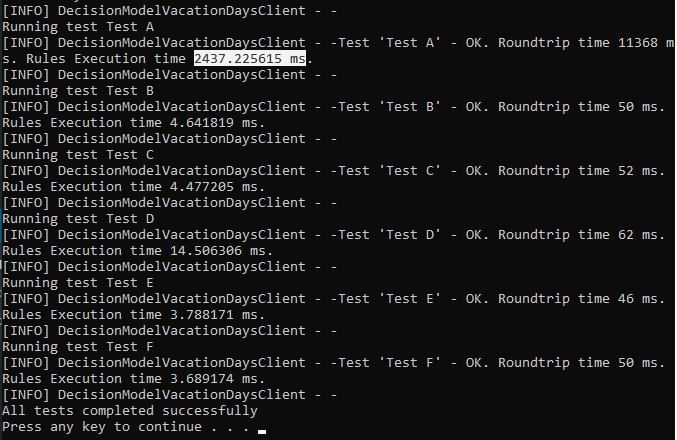
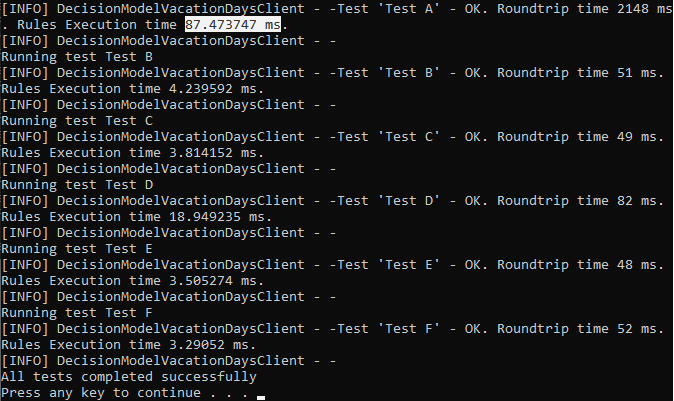
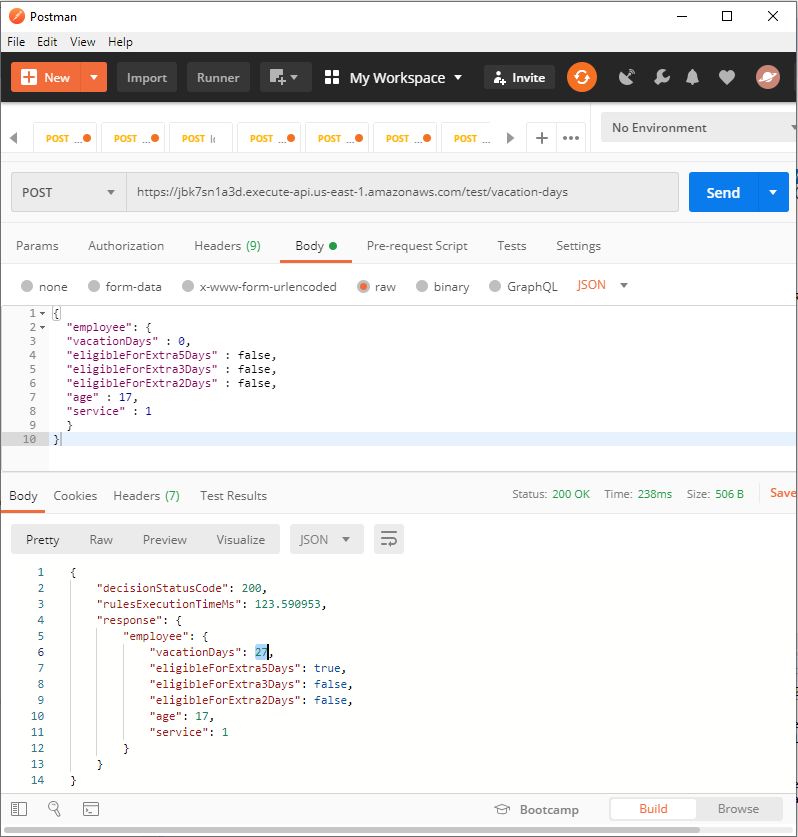
The first request may show an AWS cold start; later hot-start requests normally execute much faster. You can also test the endpoint with POSTMAN using any JSON test generated in the project’s jsons folder.
Application integration
Invoke the Lambda from Java or a CI/CD pipeline.
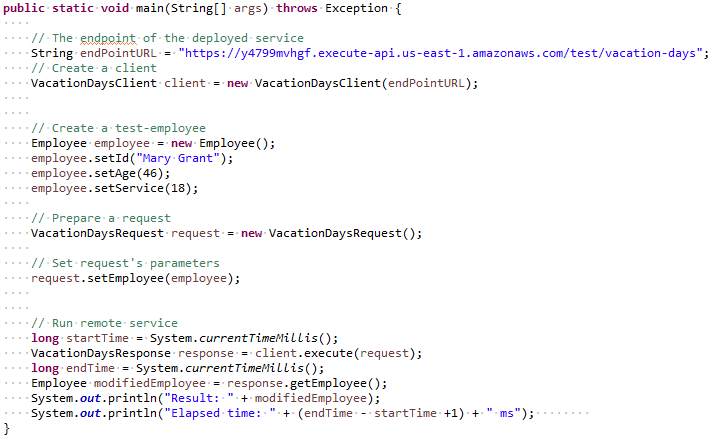
The included SampleGeneratedClient demonstrates a Java invocation. For an existing pipeline, use buildLambda.bat to package the Lambda code as a ZIP file for upload by your IT process.
To deploy another model, copy the Lambda project files, add the openrules-aws dependency to Maven, adjust the properties, and deploy. Run undeployLambda.bat when you want OpenRules to remove the deployed service and related AWS resources.
Deployment options
Choose the integration that fits your architecture.
Each option uses the same business-owned OpenRules decision model.
Invoke a compiled model from Java.
Open guide →02AWS LambdaDeploy a serverless AWS function.
Open guide →03MS Azure FunctionPublish a model as an Azure Function.
Open guide →04RESTful Web ServicesRun with OpenRules REST or Spring Boot.
Open guide →05SharePoint IntegrationMaintain rule repositories in SharePoint.
Open guide →06Amazon S3 IntegrationLoad rule files directly from S3.
Open guide →07Docker ContainersPackage services as portable containers.
Open guide →08Apache SparkUse OpenRules from Spark applications.
Open PDF ↗09WAR FilesDeploy to Tomcat, WebSphere, and other servers.
Open guide →Build and deploy
Try these deployment projects yourself.
The free evaluation includes ready-to-run decision models that you can build, test, and adapt.